• LATEST
  • NEWS
  • READ
  • WATCH
No Result
View All Result
  • Comics
  • Gadgets
  • Games
  • Geeks
  • Movies
  • Music
  • TV
  • DC
  • Marvel
  • Call of Duty
Videos
Support Us
  • Comics
  • Gadgets
  • Games
  • Geeks
  • Movies
  • Music
  • TV
  • DC
  • Marvel
  • Call of Duty
No Result
View All Result
No Result
View All Result
  • Wowkia Comics
  • Wowkia Games
  • Wowkia Movies
  • Wowkia TV
  • DCEU
  • MCU
  • Android
  • PC
  • PS4
  • Xbox One
  • Anime
  • Playstation
  • Marvel
  • DC

How to Fix Call of Duty: Warzone Infinite Bug

by Dan
5 years ago
in Games, Game News
A A
How To Fix Call Of Duty Warzone Infinite Bug

How to Fix Call of Duty: Warzone Infinite Bug | Skygerid Media

ShareTweetSendShare

Recently, there was a bug in Call of Duty: Warzone called the infinite loop that worried console players. As the name suggests, this bug keeps players stuck in downloading updates for games that have previously received an update.

To be able to solve this bug, finally Raven Software, as the developer of the Call of Duty: Warzone game, launched a way to solve the bug. However, it is still unknown whether the method given is successful or not.

Previously many people have been affected by this update’s infinite loop bug. After doing the directions given by Raven Software to solve the bug problem, finally, the players can return to playing the game again.

But, unfortunately, there are also players who are not successful in using this method provided by Raven Software to fix the bug. So, I’m not sure that this method will work 100%. However, there is no harm in trying, if you really want to play the game as soon as possible, before the developer releases a bug fix update.

Call of Duty: Warzone Infinite Loop Fix

  1. Let both installs
  2. Launch the game
  3. Go to DLC Management screen (R3) from the Main menu or via Settings menu
  4. Install both Campaign Packs, & Special Ops Packs
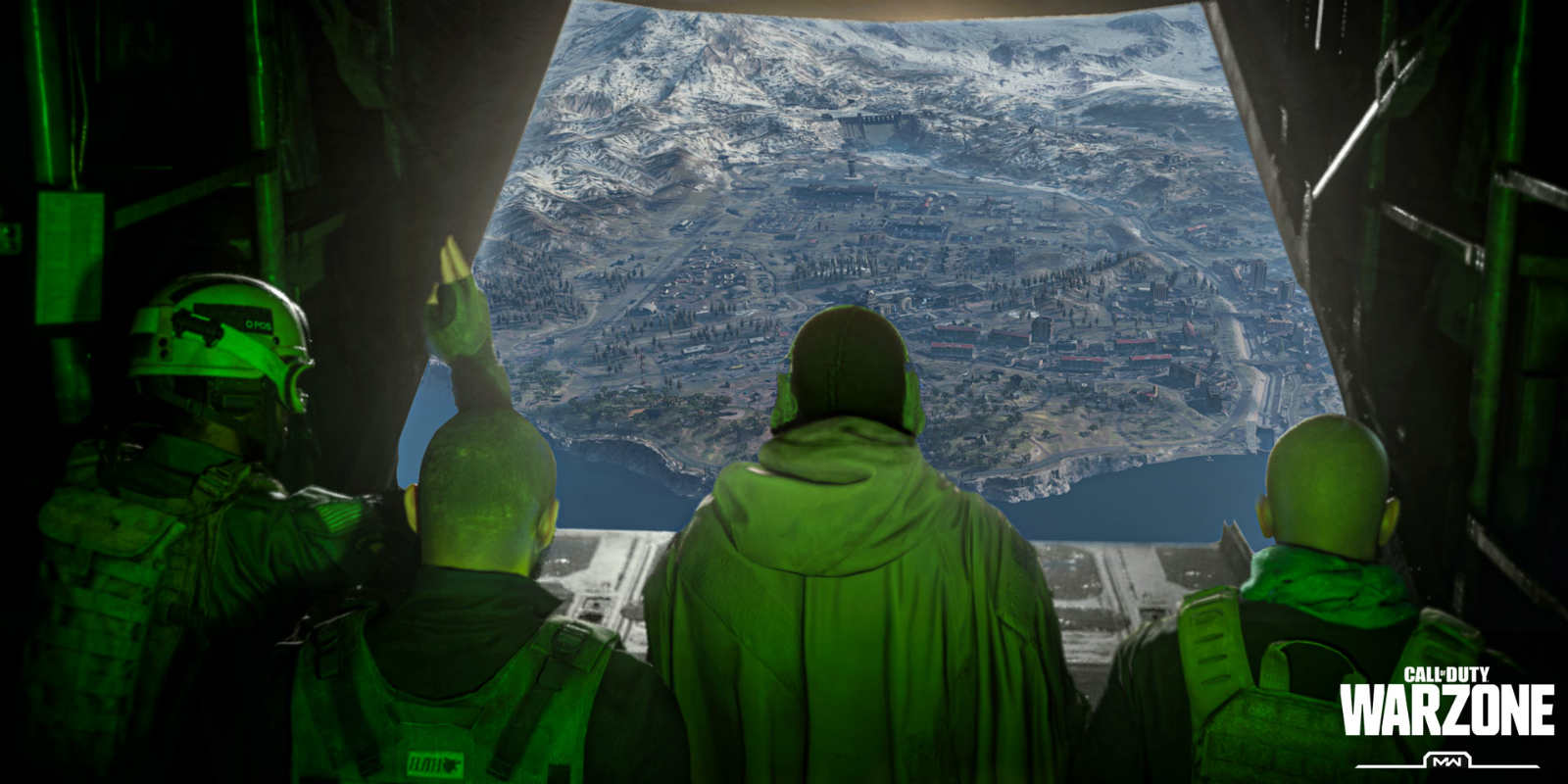
Call of Duty Warzone | Foss Bytes

After completing the steps for fixing the infinity loop bug above, you will most likely succeed. If that doesn’t work, you should try again. If you worry broken the file game, just wait for a repair update from the Call of Duty: Warzone team.

Tags: Call of Duty: WarzoneGame GuideRaven Software
ShareTweetSendShare
Previous Post

Nintendo Games Dominate UK’s Latest Sales Charts

Next Post

Ravensword: Shadowlands Coming to Nintendo Switch

Dan

we live in a society with pain.

Related Posts

Best Games

10 Best Upcoming Switch Games to Safe Your Day!

5 years ago
0
Games

Harvest Moon Is Finally Available for Mobile, Tencent and Marvelous Brought it to Us!

7 years ago
1
Games

Genshin Impact Sumeru Release Date, Location, Characters, Events, and Everything You Should Know

3 years ago
2
Games

Activision Proposes Technology That Can Turn 2D Games Into 3D

5 years ago
1
Games

The Best Build for Trickster Outriders

5 years ago
2
Game News

Activision Launched Double XP for COD: Black Ops Cold War

5 years ago
0
Load More

Leave a Reply Cancel reply

Your email address will not be published. Required fields are marked *

MOST POPULAR

500+ Free Car Parking Multiplayer Accounts with Rare Car Designs (2025)

11 months ago
842

500+ Free eFootball PES Accounts (2025)

11 months ago
730

500+ Free Epic Games Accounts and Password (2025)

11 months ago
30

3000 Best Counter Strike 2 Names for 2025

1 year ago
79

LEGO Harry Potter Cheats and how to use them

11 months ago
2

Download Mother Mix Up APK for Android Free

3 years ago
63

© 2025 Wowkia Media All Right Reserved

Navigate Site

  • About Us
  • Contact us
  • Privacy
  • Terms

Follow Us

  • Login
No Result
View All Result
  • Comics
  • Gadgets
  • Games
  • Geeks
  • Movies
  • Music
  • TV
  • DC
  • Marvel
  • Call of Duty

© 2025 Wowkia Media All Right Reserved

Exit mobile version