

There are many platforms that provide online song streaming services, such as YouTube, Spotify, Soundcloud, and others. However, if we stream Music on a smartphone, it will make our Internet quota run out faster. Instead of streaming, why don’t we download the music from YouTube on our smartphones?
There are many advantages for doing this, starting from being able to listen to it offline, making the quota more efficient, and so on. Curious about how to download a song from YouTube? If so, let’s follow the method below. It’s really easy to do, especially free of charge.
How to Download Song from YouTube
Before following the method below, make sure you have the tools and materials needed. To find out this, you just have to scroll down until you find it.
Here we will download song from YouTube on smartphones using the MP3 format and not others, such as WAV, FLAC, and others.
A little explanation, MP3 itself has a small size, but the sound is still good, so your smartphone storage won’t be full because you download it.
Total Time: 5 minutes
Open YouTube Application
For the first step, open the YouTube application on your smartphone and search for the song you want to download as MP3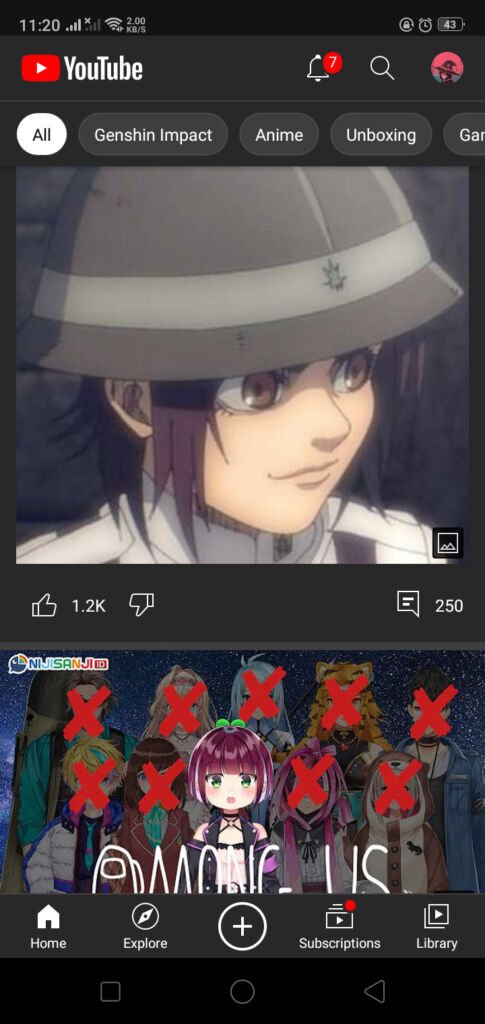
Copy Link
If you have the song you want to download, select SHARE and there will be various menus and just select COPY LINK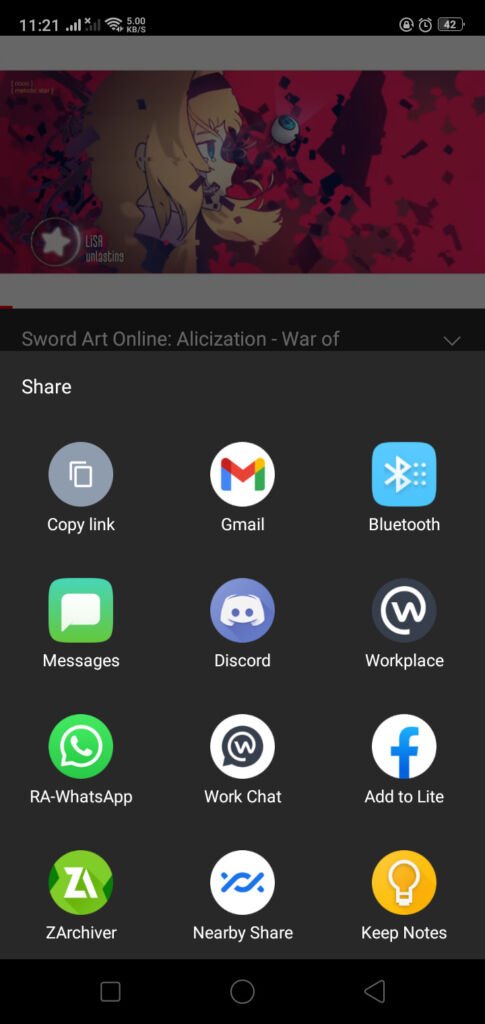
Open MP3Juice Website
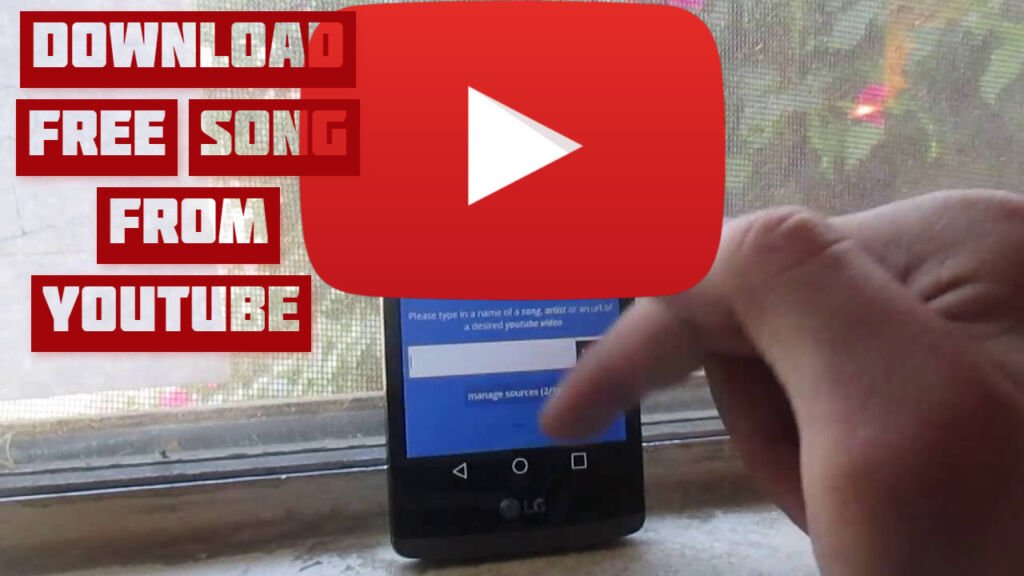
When you have finished copying the link, open a web browser like Google Chrome, Firefox and others and open the MP3Juice website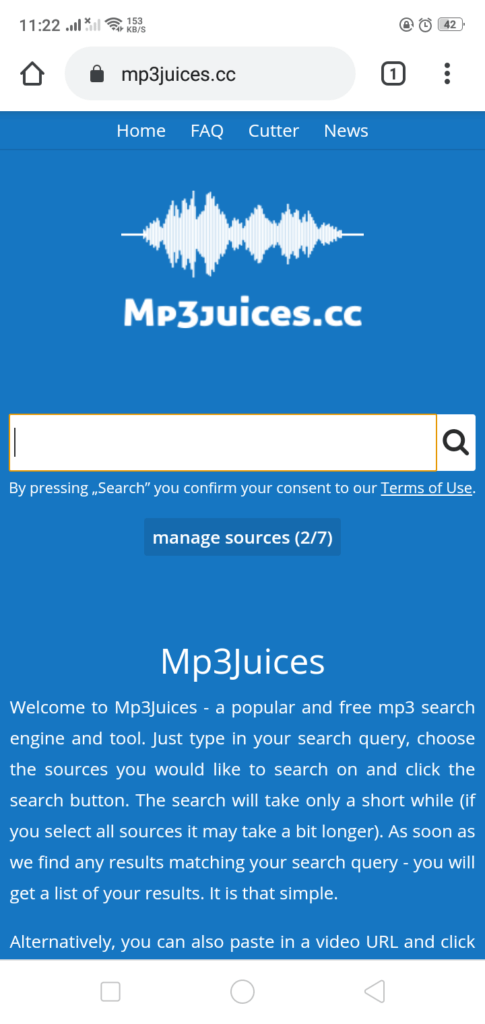
Paste Link
After you get the site, Paste the link in the column provided and touch the SEARCH sign that is already listed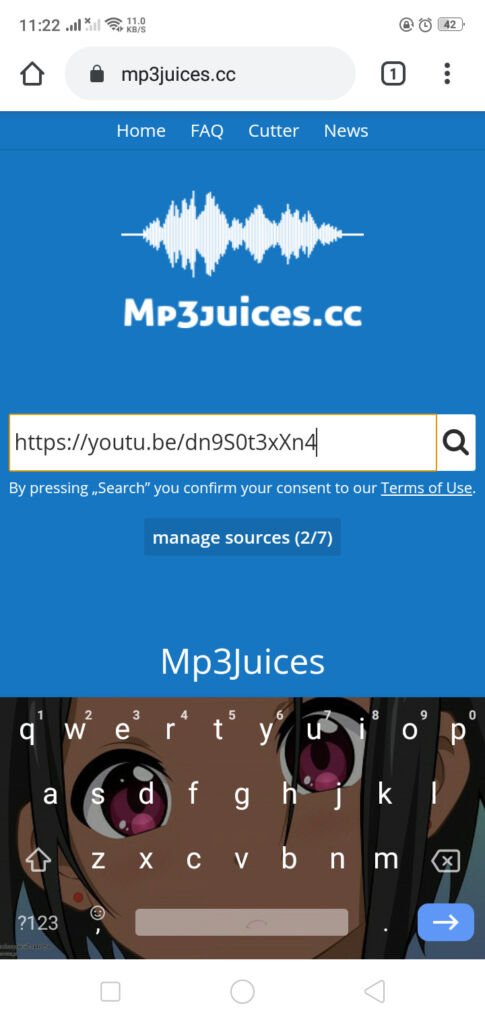
Download
Here you can choose various methods according to the menu that is displayed, but just select DOWNLOAD to download it to your smartphone in MP3 format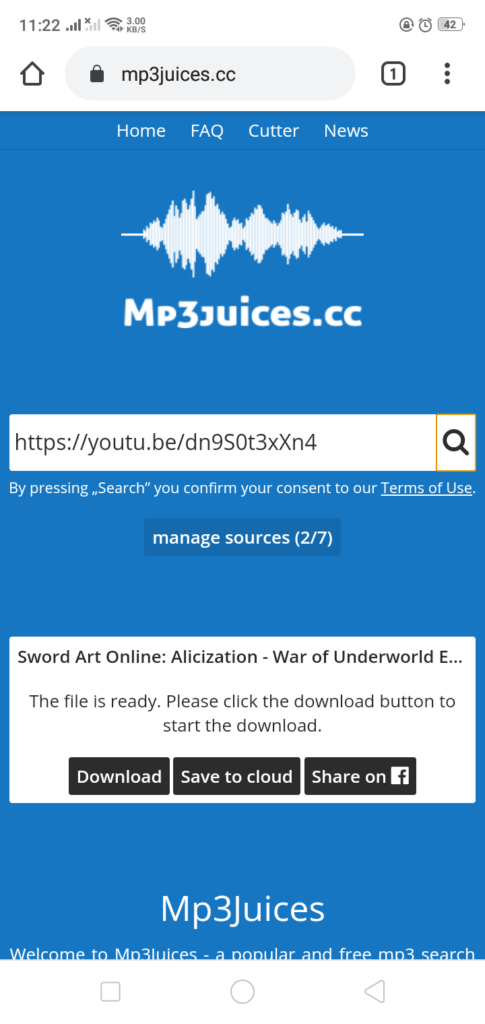
Done
Well, that’s how to download song from YouTube on a smartphone, isn’t it easy? Oh, by the way, what do you think about this article? If it helps, don’t forget to say your opinion in the comments column!