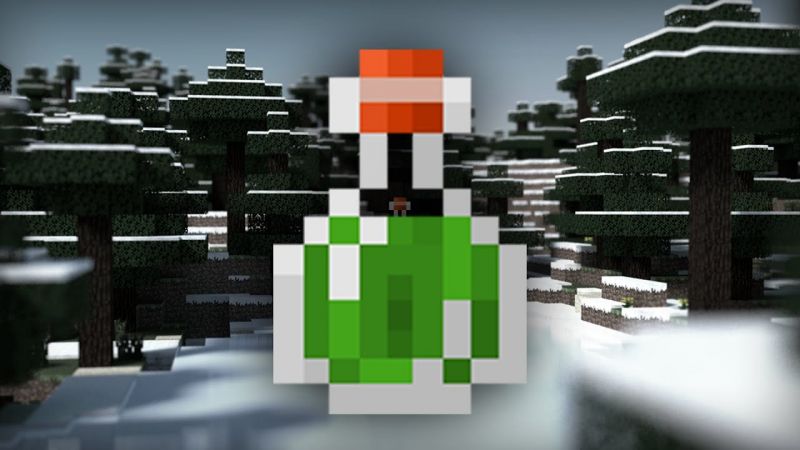

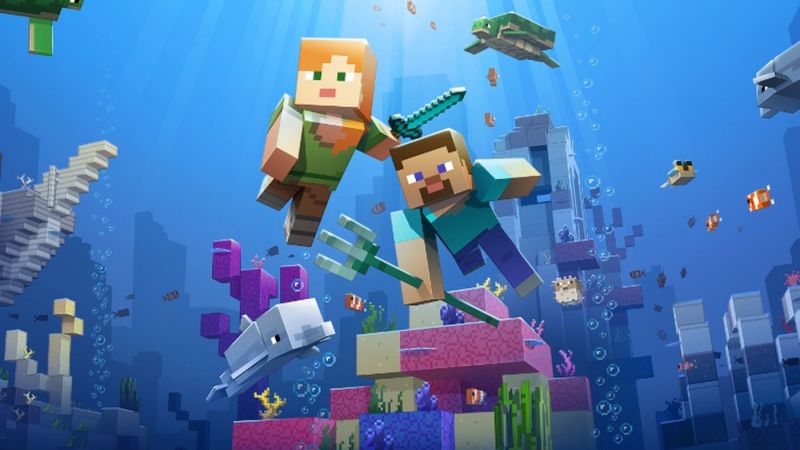
In Minecraft, you don’t only explore the land but the sea world too. Normally, you can swim and dive in the watery place. But, to explore underwater you need to drink a Potion of Water Breathing in Minecraft. The item’s effect will allow you to get breathing underwater ability for three minutes.
So, let’s check how to make this potion and the ingredients needed.
Require Materials
- Water Bottle
- Nether Wart
- Pufferfish
You can craft a Potion of Weakness with the material above and Brewing Stand.
How to Craft a Potion of Water Breathing in Minecraft
If you had all the ingredients, you can following the steps below. This is how to make a Potion of Water Breathing in Minecraft.
Total Time: 2 minutes
Open the Brewing Stand
Like when you craft the potion, you must open the Brewing Stand menu.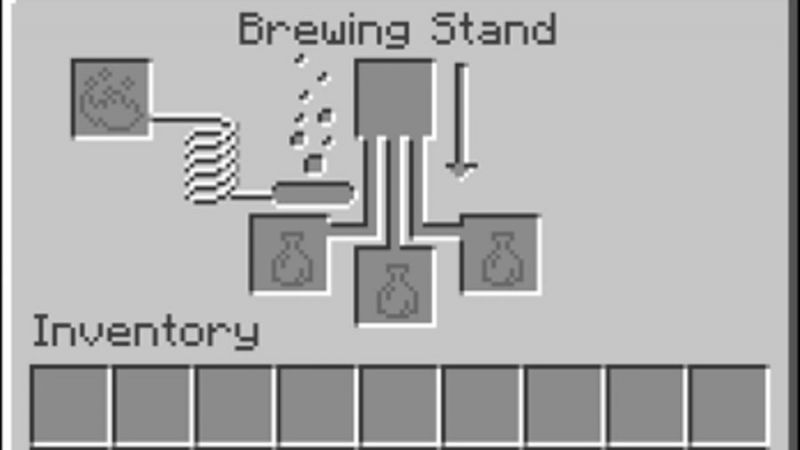
Add Blaze
Next, you need to put the Blaze Powder at the left box to activate the brewing stand.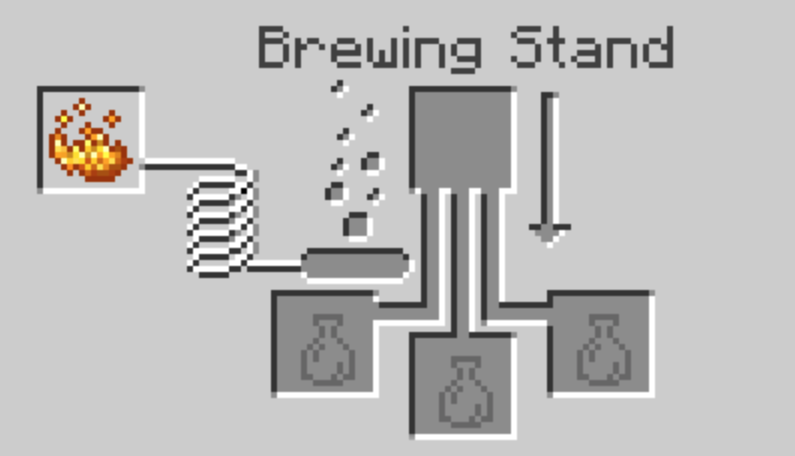
Add Water Bottle
Now, you can put the water bottle in the three boxes at the bottom of the brewing stand.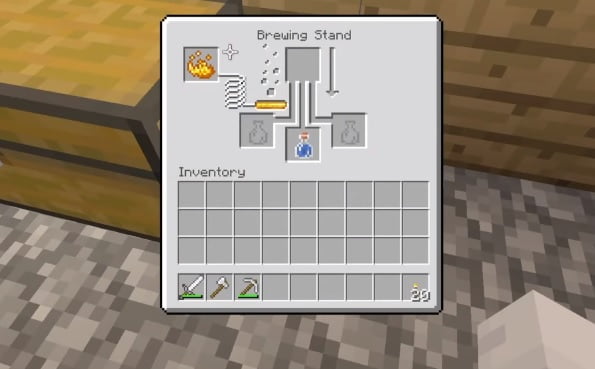
Add Nether Wart
After that, place the Nether Wart in the ingredients top box. You have to wait any seconds and the water bottle will change to be Awkward Potion. Nether Wart was disappeared and continue to the next step.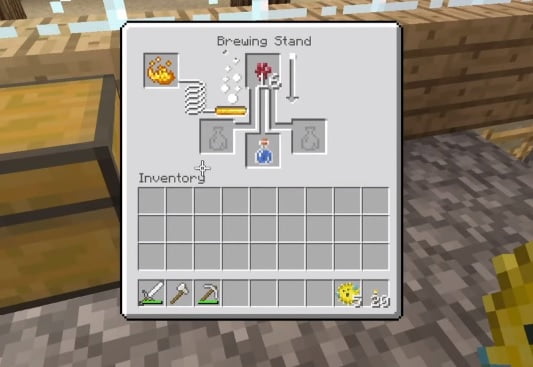
Add Pufferfish
Then, you need to put again another ingredient, Pufferfish at the same box. The potion will be processing with arrow turn into white color.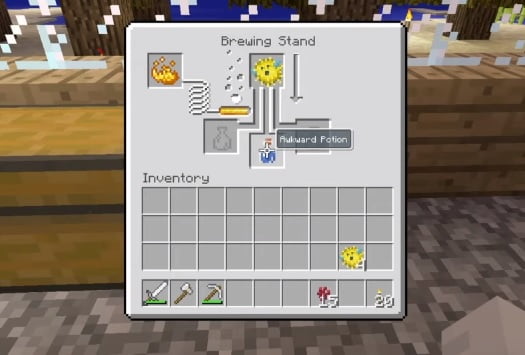
Finish
After the process finished, Pufferfish disappeared and you can hear “glup glup glup” sounds. Awkward Potion will change to be Potion of Water Breathing. Now, the item can be placed in your inventory.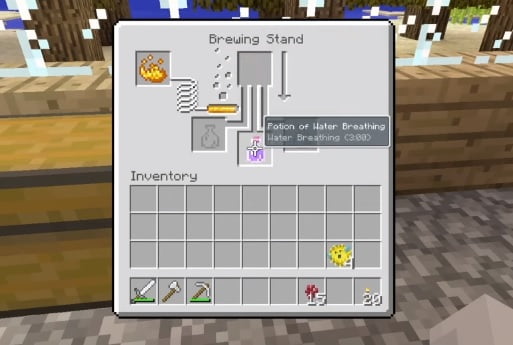
Water Breathing Potion Upgrade
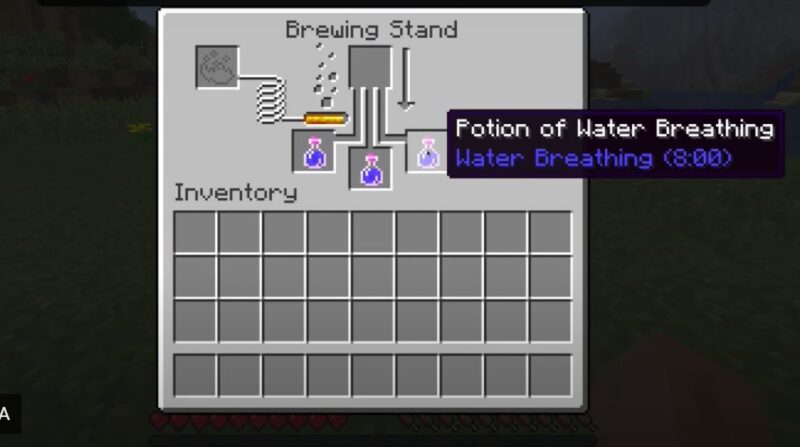
You can also upgrade the potion to a longer duration. You need the Redstone dust. To make it, repeat the tutorial above, and make sure you put the new ingredients in the top box.
Besides being consumed by the character, potions can also be used as weapons thrown at the enemy. You can make Splash Potion of Water Breathing in Minecraft.
So, that’s how to make a Potion of Water Breathing in Minecraft. If you need any other potions guide, you can see it in Wowkia. Don’t forget to leave a comment and share this page.
Source: Digminecraft