
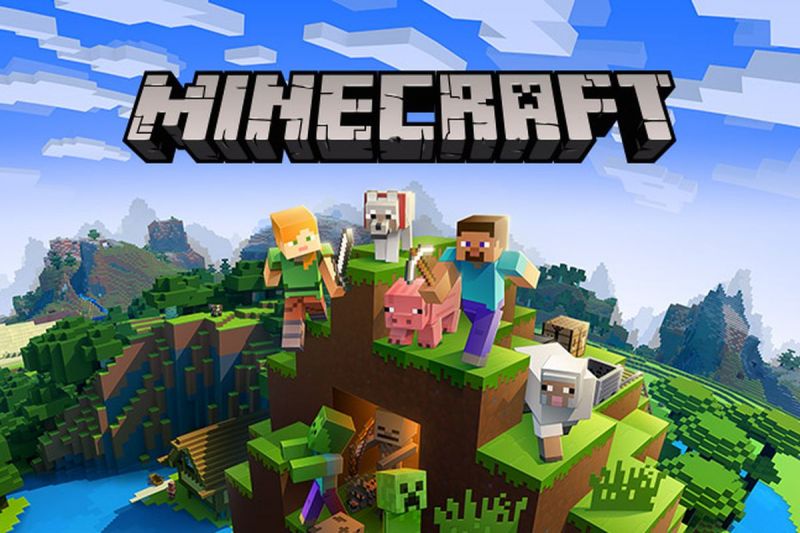
It’s hard to believe Minecraft has been in our lives for a whole decade, especially when you remember that at the start it didn’t even have crafting. For those of you who have wondered how to play Minecraft for free, I have some good news.
You can now play Minecraft for free in your browser to celebrate its 10-year anniversary. Here is how to do it.
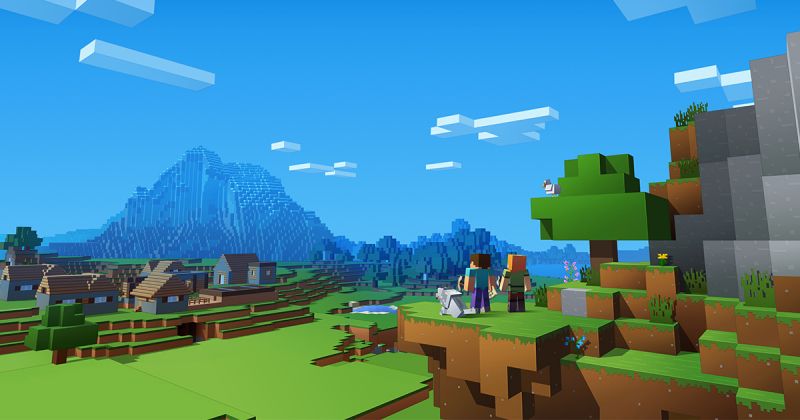
Here’s how to download Minecraft for Free on PC.
Total Time: 10 minutes
No need to download, just click this link below to play Minecraft for free on PC
You can play Minecraft for free in your web browser. Simply click this link to generate the game.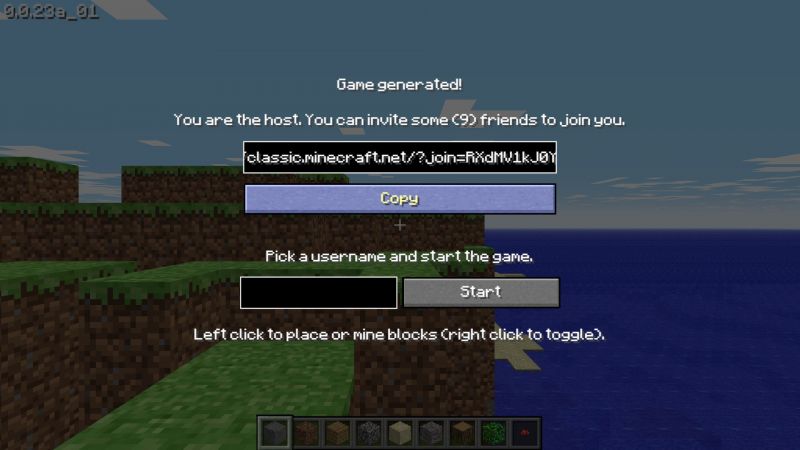
Pick a username
Enter your username after the game is generated.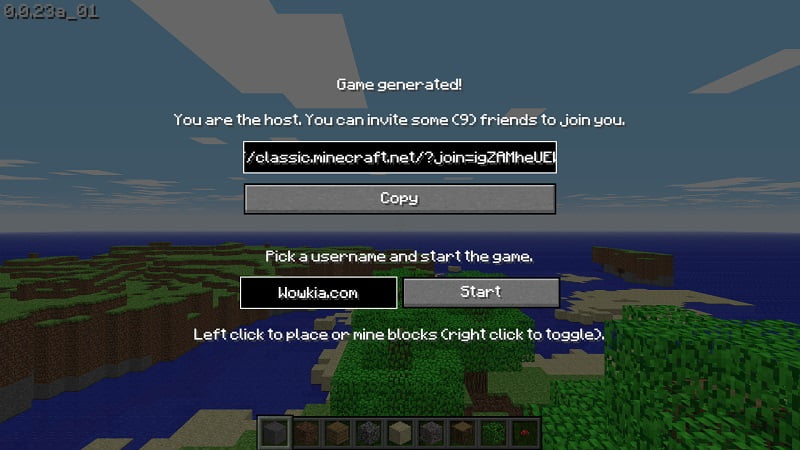
You can invite some friends to join the game
As you are the one who generated the game, you are the host. You can invite your friends to join by copying the link and then share it with your friends.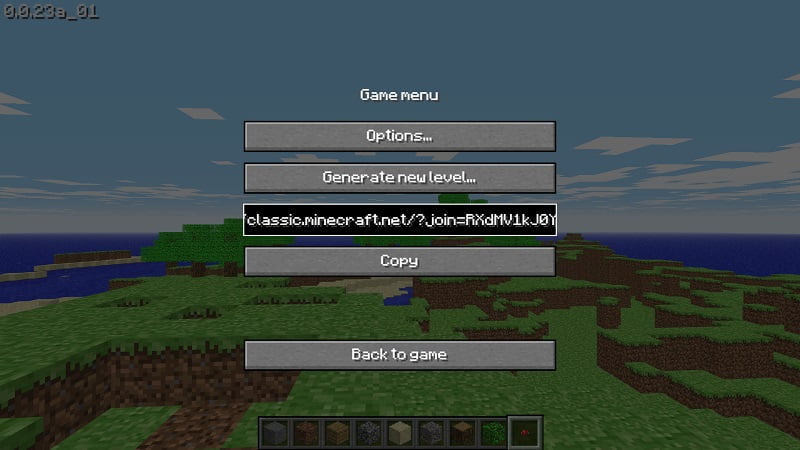
Start the game
Click ‘Start’ and then enjoy the game.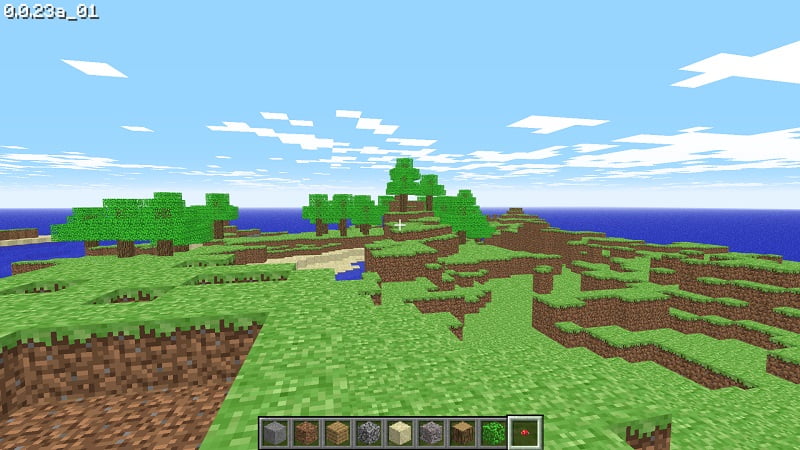
Unfortunately, there’s no way for you to save your game in the browser that we can find, so you’re going to have to just resign yourself to having to eventually wave goodbye to your blocky world.
However, you could always keep the tab open infinitely to prevent it from disappearing into the ether. There won’t be much to lose, as Classic Minecraft is the original version. There are only 32 different types of blocks, all the original bugs are in there. But you can build as much as you want as Classic Minecraft only has the creative mode.